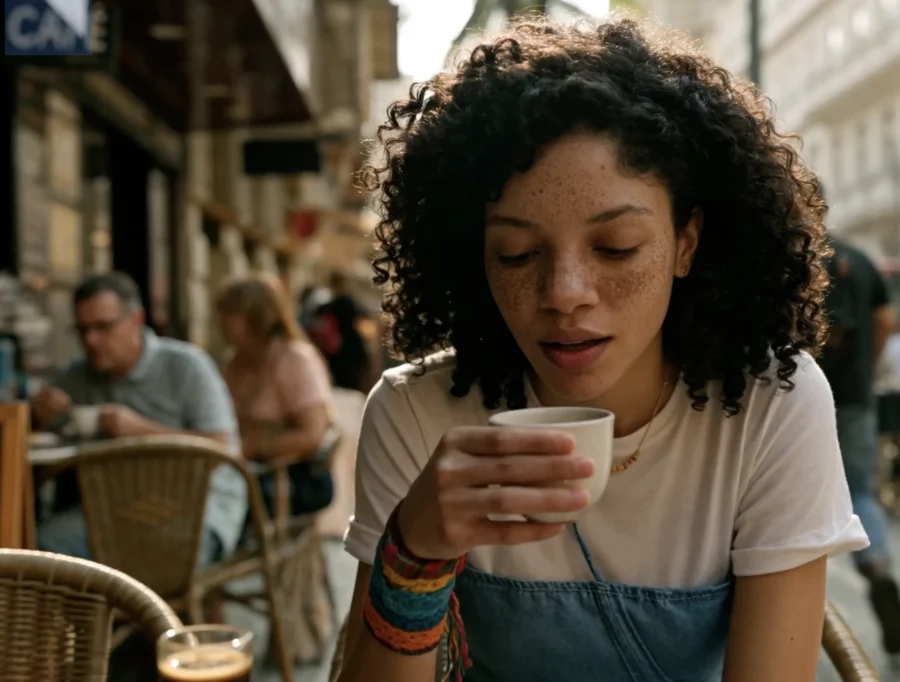
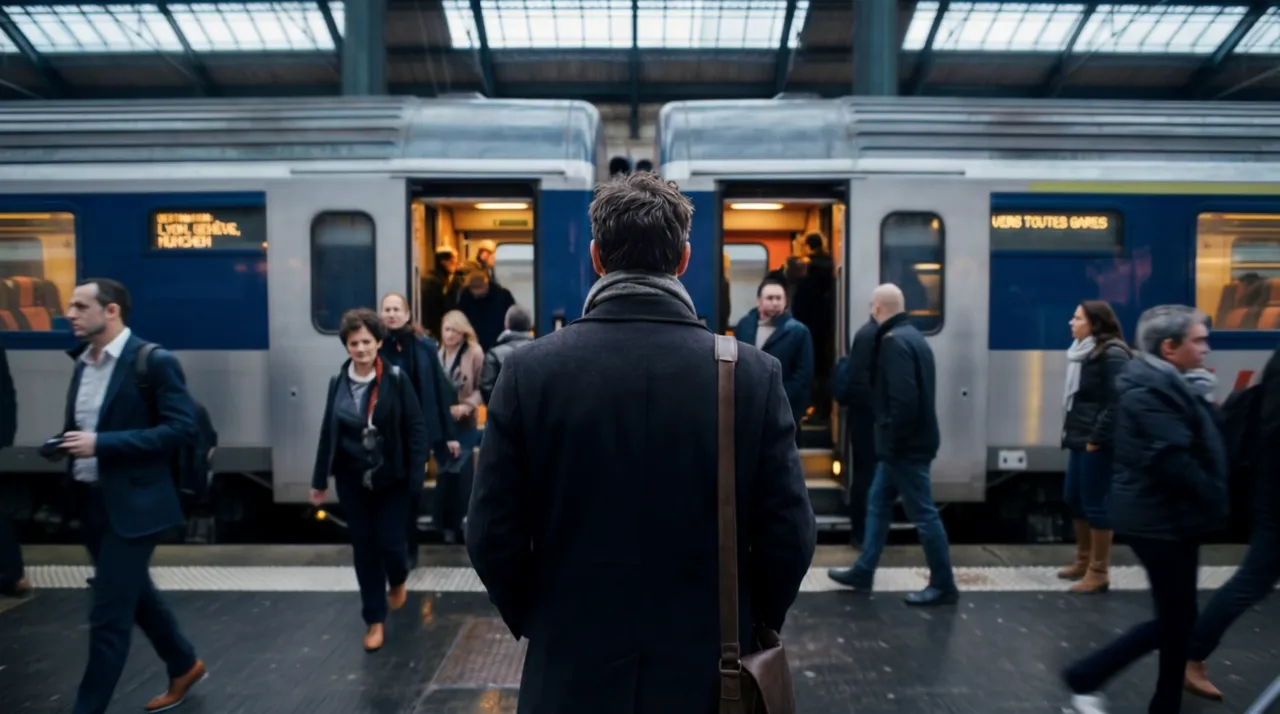
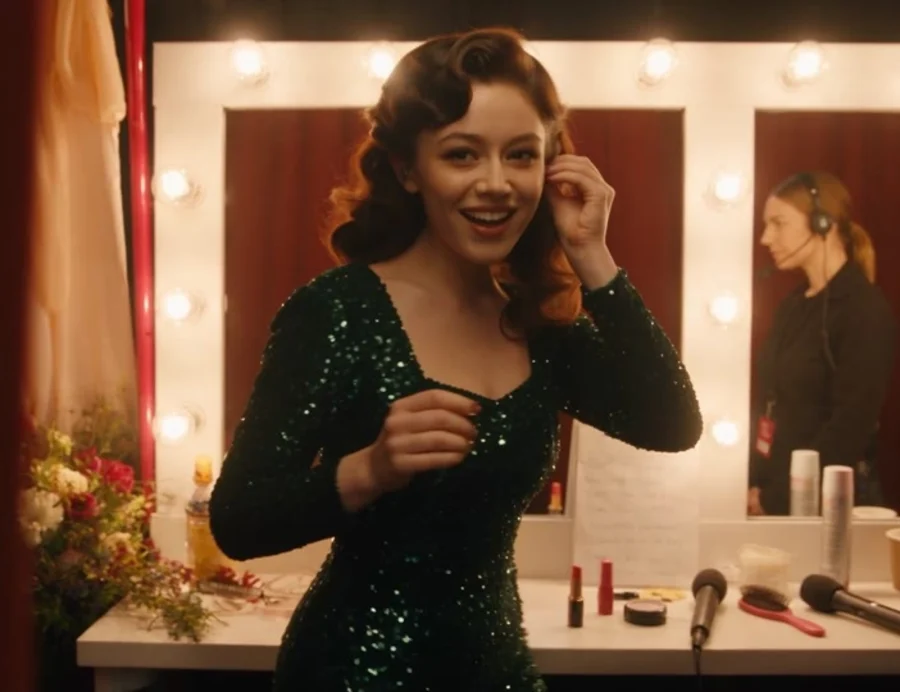
Seedance 2.5
Shape longer video sequences with visual, motion and audio references.
Mixio Studio / AI video production
Mixio keeps your script, cast, world and shot references together so you can guide generation and judge what comes back.
Keep the approved look with the shot, use rough blocking to settle the movement, then review the result against the plan.
The Signal House — an illustrative planning study.
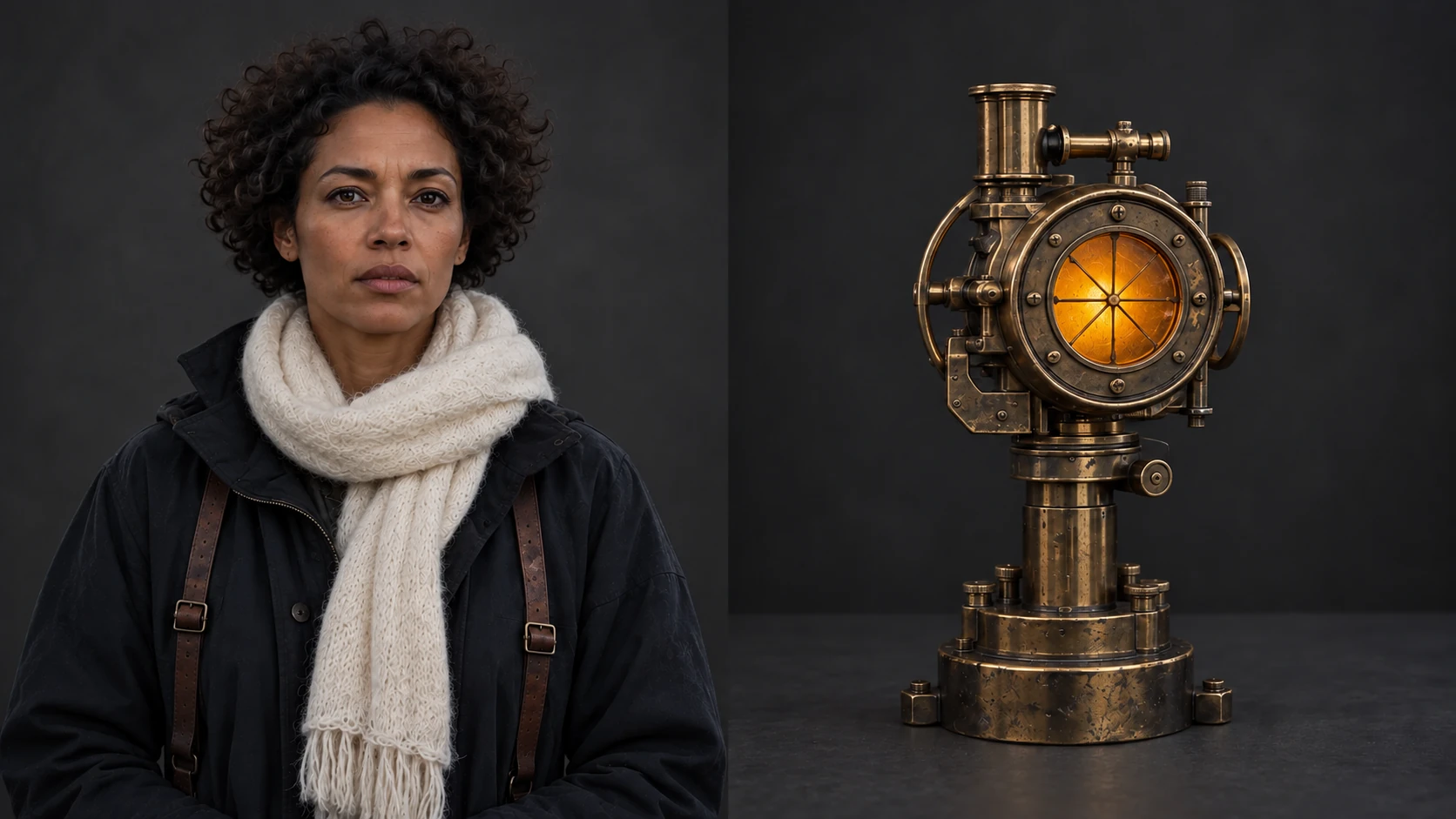
Mixio keeps the approved look, prop and world beside the shot.
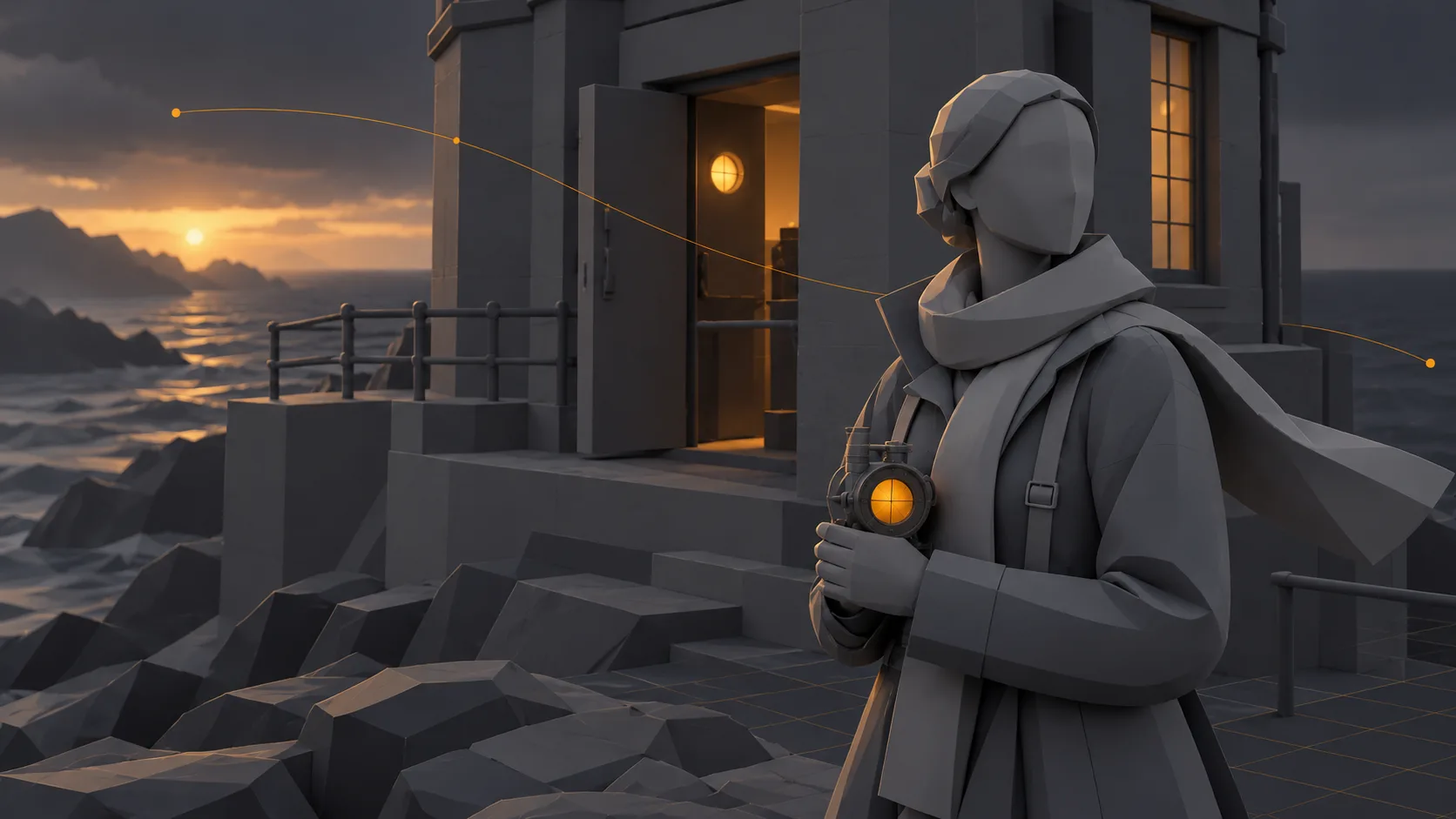
Block the scene in 3D, then bring the rough pass into the shot references.
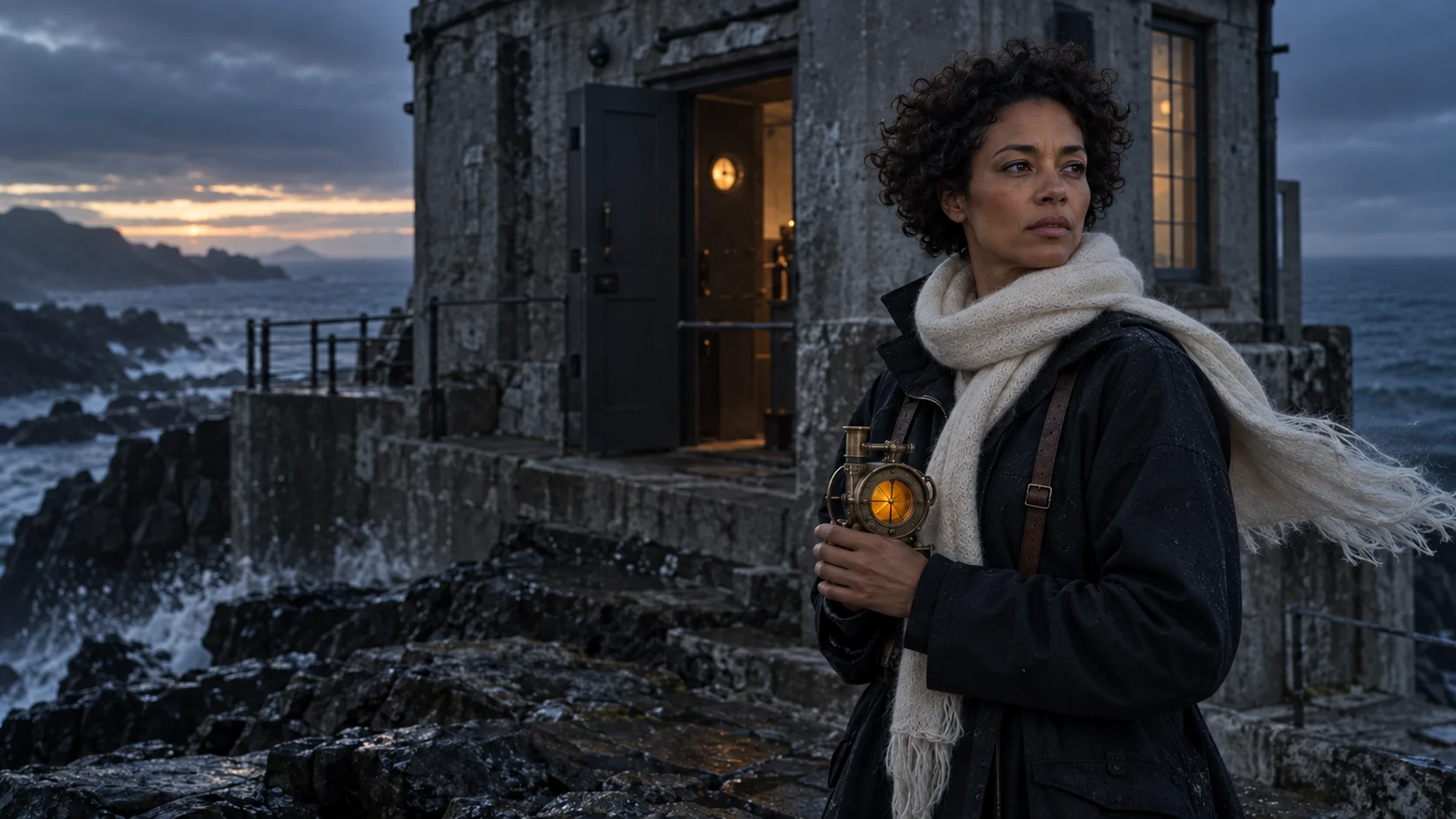
Compare the result with the scene plan and references before making another.
Keep the script breakdown, Cast & World references, shot plans and review decisions in one project. Work out framing in a rough pass before spending credits on a render.
Explore the workspaceMove from screenplay or brief to scenes, characters and shot plans.
Keep approved looks with a shot and bring in blocking when position or camera movement matters.
Review what the model made against the plan before spending credits on another render.
Model selection
Choose between still-image and video generation, then keep each model’s references close to the scene that needs them.
Shape longer video sequences with visual, motion and audio references.
Create detailed stills, refine specific elements and work with transparent backgrounds.
Generate video from image, video and audio references in one brief.
See scenes, shots and media in the same workspace while you review a sequence.
15 minutes · Google Meet
Pick a time to talk through a script, a sequence, or a production question.
Prefer email? Write to us